 TRACE
Get Trace for Android
Trace is free on Google Play, and free to try in your browser at traceclips.com with no app and no sign-up: paste a TikTok, Reels, Shorts, Facebook or X link. The app adds the share sheet and names any movie or TV scene, usually in under 10 seconds.
GET IT ON Google PlayOr open it in the Play Store app
Button didn't open the store?
Tap the … menu at the top of this screen, choose “Open in browser”, then try again.
On an iPhone? Get the iOS version · traceclips.com
Find a movie from a clip on Android
- 1
Get Trace
Install Trace from Google Play. Android adds it to the share sheet straight away.

- 2
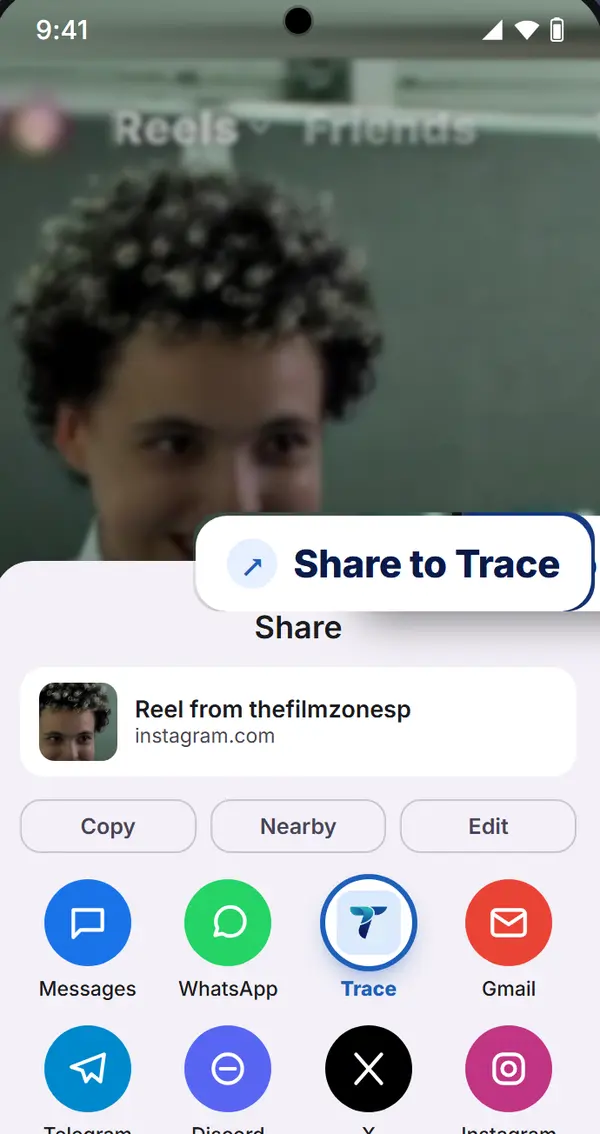
Share the clip
In TikTok, Instagram, YouTube or X, tap Share on the clip, then pick Trace. On some phones it is under More or Share via.
- 3
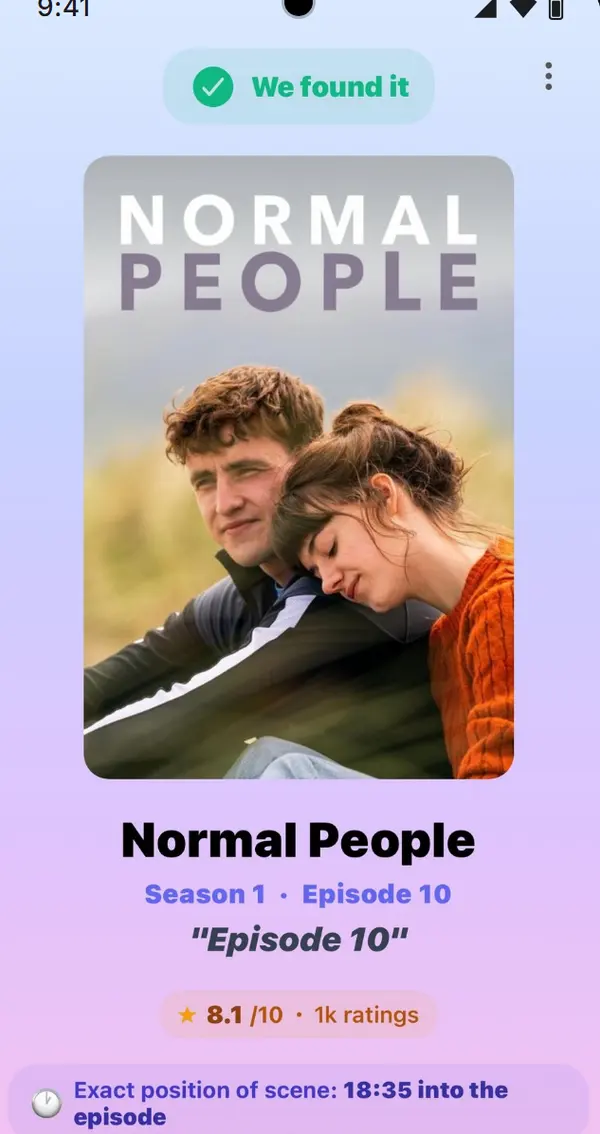
See the answer
Trace opens with the film or show, the moment the clip comes from, and where it is streaming in your country.
Saved clips work too
Open Trace and upload a clip from your gallery or files. Everything you find stays in your Library.
Keep Trace first in line
On most Android phones, long press Trace in the share sheet to pin it.